
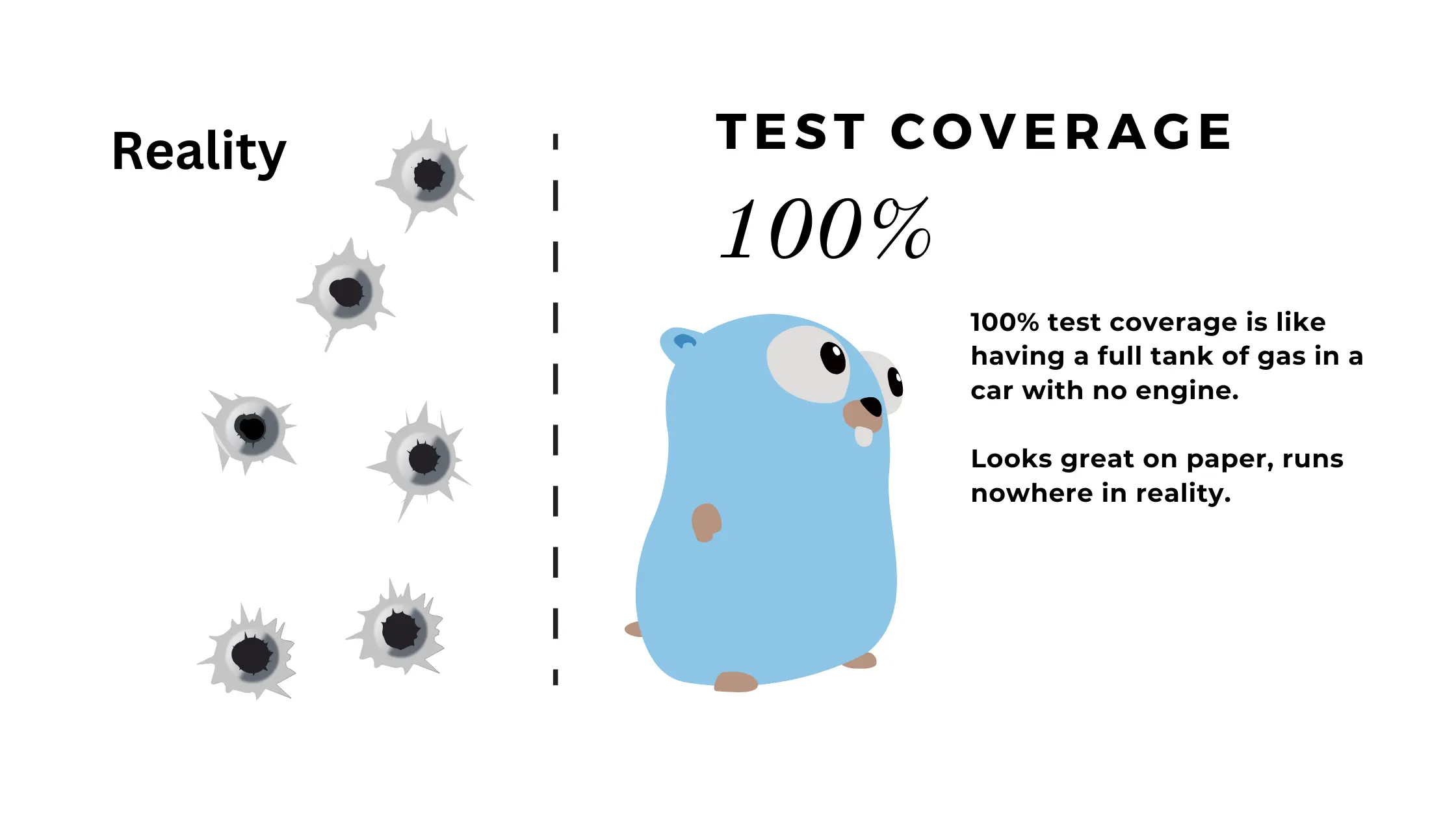
Throughout my engineering career, I’ve witnessed teams celebrate hitting “100% coverage” while shipping code riddled with bugs. This fixation on a single metric often leads teams astray, mistaking code execution for comprehensive testing.
After spending years deep in the work, setting up production systems and guiding teams in different places, I’ve developed a nuanced perspective on code coverage that I’d like to share with you today—especially as it applies to Go, where the testing philosophy often differs from languages like C# or Java.
What Is Code Coverage, Really?
Code coverage measures the percentage of your codebase that’s executed during testing. It’s a metric that can provide insights into untested areas, but it tells you nothing about test quality. It seems straightforward, but different languages approach it differently.
In Go, the philosophy is refreshingly simple: a line is covered if it’s executed at least once.
This contrasts with other languages that may track branch coverage, condition coverage, and path coverage separately.
When you run:
go test -cover ./...
Go reports a percentage showing executed lines. But this simplicity is both a strength and a weakness.
Understanding Coverage: Go vs Other Languages
While Go’s approach to code coverage is straightforward (a line is covered if executed once), it’s worth understanding how this differs from other languages to appreciate both the strengths and limitations of Go’s approach.
In languages like C# and Java, tools such as JaCoCo or dotCover provide more granular metrics:
- Line coverage: Was each line executed? (Similar to Go’s basic approach)
- Branch coverage: Were all branches of control structures (if/else, switch) taken?
- Condition coverage: Was each boolean subexpression evaluated to both true and false?
- Path coverage: Were all possible paths through a function executed?
Go’s built-in tooling focuses primarily on line coverage, which makes reaching “100% coverage” seem more attainable but potentially misleading. Without branch and condition coverage, Go’s metrics might miss critical test gaps that would be obvious in other languages.
This distinction is important because it affects how we should interpret and use coverage metrics in Go projects. The simplicity of Go’s coverage model means we need to be even more thoughtful about test quality and completeness beyond what the coverage number tells us.
The False Promise of 100% Coverage
There are several fundamental problems with chasing 100% coverage:
1. Coverage Doesn’t Measure Test Quality
Consider this real-world example:
package users

import (
    "errors"
    "fmt"
)

// Database interface represents methods to interact with user storage
type Database interface {
    FetchUser(id string) (*UserData, error)
}

// UserData represents information about a user
type UserData struct {
    ID    string
    Name  string
    Email string
}

// GetUserData retrieves user information from the database
func GetUserData(db Database, id string) (*UserData, error) {
    if id == "" {
        return nil, errors.New("empty ID")
    }

    data, err := db.FetchUser(id)
    if err != nil {
        return nil, fmt.Errorf("database error: %w", err)
    }

    return data, nil
}In code reviews, I’ve seen teams write “tests” like this:
package users

import (
    "testing"

    "github.com/stretchr/testify/assert"
)

// MockDB is a test double for the Database interface
type MockDB struct{}

func (m *MockDB) FetchUser(id string) (*UserData, error) {
    return &UserData{ID: id, Name: "Test User"}, nil
}

func TestGetUserData(t *testing.T) {
    db := &MockDB{}
    user, err := GetUserData(db, "user-123")

    // Proper test assertions
    assert.NoError(t, err)
    assert.NotNil(t, user)
    assert.Equal(t, "user-123", user.ID)
    assert.Equal(t, "Test User", user.Name)
}

func TestGetUserDataEmptyID(t *testing.T) {
    db := &MockDB{}
    user, err := GetUserData(db, "")

    assert.Error(t, err)
    assert.Nil(t, user)
    assert.Equal(t, "empty ID", err.Error())
}
This achieves code coverage but provides zero confidence that the function works correctly.
It doesn’t verify that:
- Valid IDs return correct data
- Empty IDs properly trigger errors
- Database errors are handled correctly
- The returned data matches expectations
2. Some Code Paths Are Difficult to Test
Consider error handling for rare conditions:
package payment

import (
    "errors"
    "log"
    "time"
)

// Gateway represents a payment processing service
type Gateway interface {
    Process(tx Transaction) (*Result, error)
}

// Transaction represents a payment transaction
type Transaction struct {
    ID     string
    Amount float64
}

// Result represents the outcome of a payment transaction
type Result struct {
    Success bool
    RefID   string
}

// NetworkError represents a network-related issue
type NetworkError struct {
    Message string
}

func (e NetworkError) Error() string {
    return e.Message
}

// ProcessTransaction handles a payment transaction with retry logic
func ProcessTransaction(gateway Gateway, tx Transaction) error {
    // Normal processing...

    // Network call to payment gateway
    result, err := gateway.Process(tx)
    if err != nil {
        if _, ok := err.(NetworkError); ok {
            // Retry once after a delay
            time.Sleep(2 * time.Second)
            result, err = gateway.Process(tx)
            if err != nil {
                log.Printf("Transaction failed after retry: %v", err)
                return errors.New("payment processing failed")
            }
        } else {
            log.Printf("Transaction failed: %v", err)
            return errors.New("payment processing failed")
        }
    }

    if !result.Success {
        return errors.New("transaction was declined")
    }

    return nil
}Testing the retry logic requires:
- Mocking the gateway to fail with a network error
- Verifying it was called twice
- Ensuring the delay happened
This is difficult, and many teams either skip testing these paths or write fragile tests that break with refactoring—all to chase coverage numbers.
3. Coverage Tells You What Code Ran, Not If It’s Correct
package pricing

// CalculateDiscount determines the discount amount based on user type
func CalculateDiscount(price float64, userType string) float64 {
    var discount float64

    switch userType {
    case "new":
        discount = 0.1
    case "regular":
        discount = 0.05
    case "vip":
        discount = 0.15
    }

    return price * discount
}A test that calls this function with all user types would show 100% coverage, but what if the discount calculation is wrong? Or if the VIP discount should be 0.2 instead of 0.15? Coverage tells you nothing about these functional correctness issues.
How Teams Cheat on Coverage
When 100% coverage becomes the goal, teams find creative ways to achieve it without actually improving quality:
1. Writing Tests Without Assertions
As shown earlier, you can achieve high coverage without a single meaningful assertion.
2. Excluding “Hard-to-Test” Code
Many languages allow excluding code from coverage calculations:
// Go
//go:build !test
// +build !test

// C#
[ExcludeFromCodeCoverage]

// JavaScript
/* istanbul ignore next */This artificially inflates coverage percentages without improving quality.
3. Focusing on Easy Paths
Teams chase coverage by extensively testing simple code paths while ignoring complex scenarios that are more likely to contain bugs.
Beyond Coverage: Effective Testing Strategies
Instead of chasing coverage percentages, focus on these more valuable approaches:
1. Domain-Driven Testing
Test the domain cases that matter to your application, not just lines of code:
package validation

import (
    "testing"

    "github.com/stretchr/testify/assert"
)

func TestUserValidation(t *testing.T) {
    testCases := []struct {
        name        string
        user        User
        expectedErr string
    }{
        {
            name: "valid user passes validation",
            user: User{
                Name:  "John Doe",
                Age:   25,
                Email: "[email protected]",
            },
            expectedErr: "",
        },
        {
            name: "empty name fails validation",
            user: User{
                Name:  "",
                Age:   25,
                Email: "[email protected]",
            },
            expectedErr: "name is required",
        },
        {
            name: "underage user fails validation",
            user: User{
                Name:  "Young User",
                Age:   16,
                Email: "[email protected]",
            },
            expectedErr: "must be 18 or older",
        },
        {
            name: "invalid email fails validation",
            user: User{
                Name:  "Bad Email",
                Age:   30,
                Email: "not-an-email",
            },
            expectedErr: "invalid email",
        },
    }

    for _, tc := range testCases {
        t.Run(tc.name, func(t *testing.T) {
            err := ValidateUser(tc.user)
            if tc.expectedErr == "" {
                assert.NoError(t, err)
            } else {
                assert.EqualError(t, err, tc.expectedErr)
            }
        })
    }
}
This approach ensures that your tests validate what matters to your users and stakeholders, not just exercising code paths.
2. Property-Based Testing
For complex algorithms or data transformations, property-based testing can find edge cases humans might miss:
package sorting

import (
    "sort"
    "testing"

    "github.com/stretchr/testify/assert"
    "github.com/leanovate/gopter"
    "github.com/leanovate/gopter/prop"
    "github.com/leanovate/gopter/gen"
)

func TestSortedListProperties(t *testing.T) {
    parameters := gopter.DefaultTestParameters()
    parameters.MinSuccessfulTests = 1000

    properties := gopter.NewProperties(parameters)

    properties.Property("adding element to sorted list maintains sortedness", prop.ForAll(
        func(list []int, newElement int) bool {
            // Start with a sorted list
            sort.Ints(list)
            originalLen := len(list)

            // Add new element and sort again
            listWithNewElement := append(list, newElement)
            sort.Ints(listWithNewElement)

            // Check length increased by 1
            if len(listWithNewElement) != originalLen+1 {
                return false
            }

            // Check list is still sorted
            for i := 1; i < len(listWithNewElement); i++ {
                if listWithNewElement[i] < listWithNewElement[i-1] {
                    return false
                }
            }

            return true
        },
        gen.SliceOf(gen.Int()),
        gen.Int(),
    ))

    // Run the property tests
    properties.TestingRun(t)
}3. Strategic Integration Testing
Instead of excessive mocking, test how components work together. While unit tests are valuable, integration tests often provide more confidence that your system works correctly:
package orders

import (
    "testing"
    "time"

    "github.com/stretchr/testify/assert"
)

// Product represents an item for sale
type Product struct {
    ID    string
    Name  string
    Price float64
    Stock int
}

// OrderItem represents a product in an order
type OrderItem struct {
    ProductID string
    Quantity  int
}

// Order represents a customer order
type Order struct {
    ID        string
    UserID    string
    Items     []OrderItem
    CreatedAt time.Time
}

// ProductRepository handles product storage
type ProductRepository interface {
    GetByID(id string) (*Product, error)
    Update(product *Product) error
}

// OrderRepository handles order storage
type OrderRepository interface {
    Create(order Order) (*Order, error)
}

// InventoryService manages product inventory
type InventoryService struct {
    productRepo ProductRepository
}

// OrderService handles order processing
type OrderService struct {
    orderRepo        OrderRepository
    inventoryService *InventoryService
}

// TestOrderCreationFlow demonstrates integration testing
func TestOrderCreationFlow(t *testing.T) {
    // This is just the test structure - in a real test, you would:
    // 1. Setup test database
    testDB := setupTestDatabase()
    defer cleanupDatabase(testDB)

    // 2. Create real repositories with the test database
    productRepo := NewProductRepository(testDB)
    orderRepo := NewOrderRepository(testDB)

    // 3. Create services with real repositories
    inventoryService := NewInventoryService(productRepo)
    orderService := NewOrderService(orderRepo, inventoryService)

    // 4. Create test product with inventory
    product := &Product{
        ID:    "prod-1",
        Name:  "Test Product",
        Price: 29.99,
        Stock: 10,
    }
    err := productRepo.Save(product)
    assert.NoError(t, err)

    // 5. Test order creation with real components
    order, err := orderService.CreateOrder(Order{
        UserID: "user-1",
        Items: []OrderItem{
            {ProductID: product.ID, Quantity: 3},
        },
    })

    // 6. Verify order was created successfully
    assert.NoError(t, err)
    assert.NotNil(t, order)
    assert.Equal(t, "user-1", order.UserID)

    // 7. Verify inventory was correctly updated
    updatedProduct, err := productRepo.GetByID(product.ID)
    assert.NoError(t, err)
    assert.Equal(t, 7, updatedProduct.Stock)
}These tests may cover fewer lines of code than exhaustive unit tests, but they verify that the system works correctly as a whole.
4. The Testing Diamond Approach
Rather than following the traditional testing pyramid,
- many unit tests
- fewer integration tests
- few end-to-end tests

consider adopting a “testing diamond” strategy:
- Some unit tests: Focus on complex algorithms and critical business logic
- Many integration tests: Verify component interactions and system behaviors
- Some end-to-end tests: Validate critical user flows end-to-end

This balanced approach often yields better quality with less effort than pursuing 100% unit test coverage alone.
Setting Reasonable Coverage Goals
Instead of aiming for an arbitrary 100%, consider these more practical targets:
- 70-80% overall coverage is often sufficient for most applications
- Focus on 100% coverage of your domain core (the business logic)
- Accept lower coverage in infrastructure code (database adapters, API clients)
- Aim for high domain-scenario coverage rather than high line coverage
Remember that the quality and relevance of your tests matter far more than the raw coverage percentage.
What Actually Matters in Testing
After working on numerous production systems, I’ve found these factors matter far more than coverage percentages:
- Test the critical paths: Ensure core business flows work correctly
- Test edge cases: Validate boundary conditions and error scenarios
- Test for regressions: Prevent fixed bugs from coming back
- Test for security: Verify authentication, authorization and input validation
- Test for performance: Ensure system meets speed and scalability requirements
These aspects contribute more to software quality and reliability than high coverage percentages with low-quality tests.
A Better Approach: Behavior-Driven Development
Rather than thinking about coverage, think about behaviors:
Feature: Order Processing
  Scenario: Creating a valid order
    Given a product with 10 items in stock
    When a user orders 3 items
    Then the order should be created successfully
    And the product stock should be reduced to 7

  Scenario: Ordering out-of-stock products
    Given a product with 2 items in stock
    When a user orders 5 items
    Then the order should be rejected
    And an "insufficient stock" error should be returned
And the product stock should remain at 2This approach naturally leads to testing what matters to users, not just code execution.
The Perils of Coverage Obsession
On one project I worked on, the team achieved over “90% coverage” but still faced frequent production issues.
Investigation revealed:
- Most tests had no assertions (they just called the functions)
- Critical error scenarios were untested
Integration between components wasn’t verified
After refocusing on behavioral testing rather than coverage, production issues decreased dramatically—even though the average “coverage percentage” actually dropped to around 70%.
Use Coverage as a Tool, Not a Target
Code coverage is valuable as a tool to identify untested areas, but it’s a terrible goal in itself.
Instead:
- Use coverage to identify potential testing gaps
- Focus on testing behaviors, not just executing code
- Prioritize integration tests for critical flows
- Write high-quality tests for your domain core
Remember:
- Users don’t care about your coverage percentage—they care that the software works correctly, reliably, and securely.
- Focus your testing efforts accordingly.
- High-quality tests for 80% of your code will serve you better than low-quality tests for 100%.
By focusing on what truly matters in testing rather than arbitrary coverage targets, you’ll build more reliable software with less wasted effort.
Have you found other effective approaches to balance coverage with meaningful testing? I’d love to hear your thoughts in the comments!
Leave a Reply