
Contents
Tested on:
- Mint Vera
- Arch Linux
Edit the following file as root:
/etc/bluetooth/main.conf
Add Experimental=true at the beginning of the file. It should look like this:
[General]
Experimental=trueSave the file and quit the editor
Reload the Bluetooth service:
sudo systemctl restart bluetooth.service
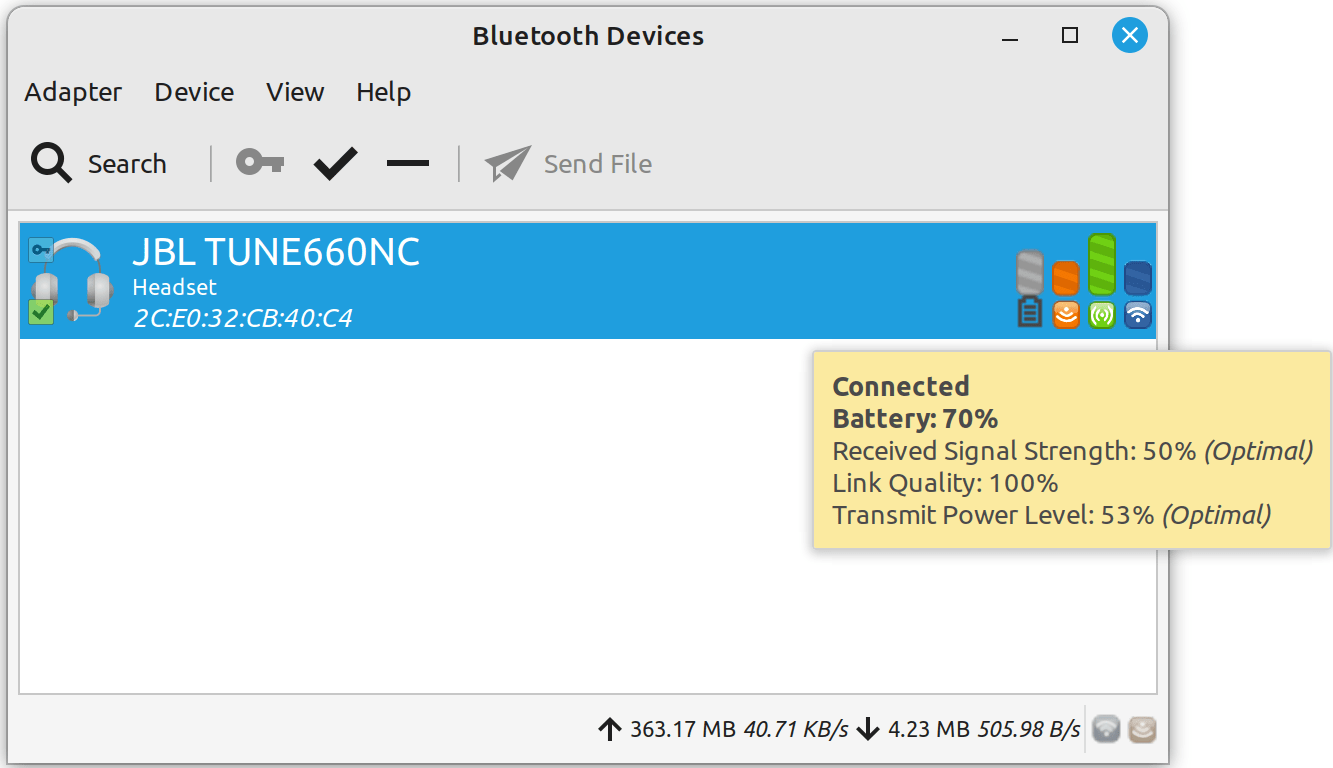
Once you restart the service, you should now see the battery level indicator in the Bluetooth menu
Leave a Reply